1Save

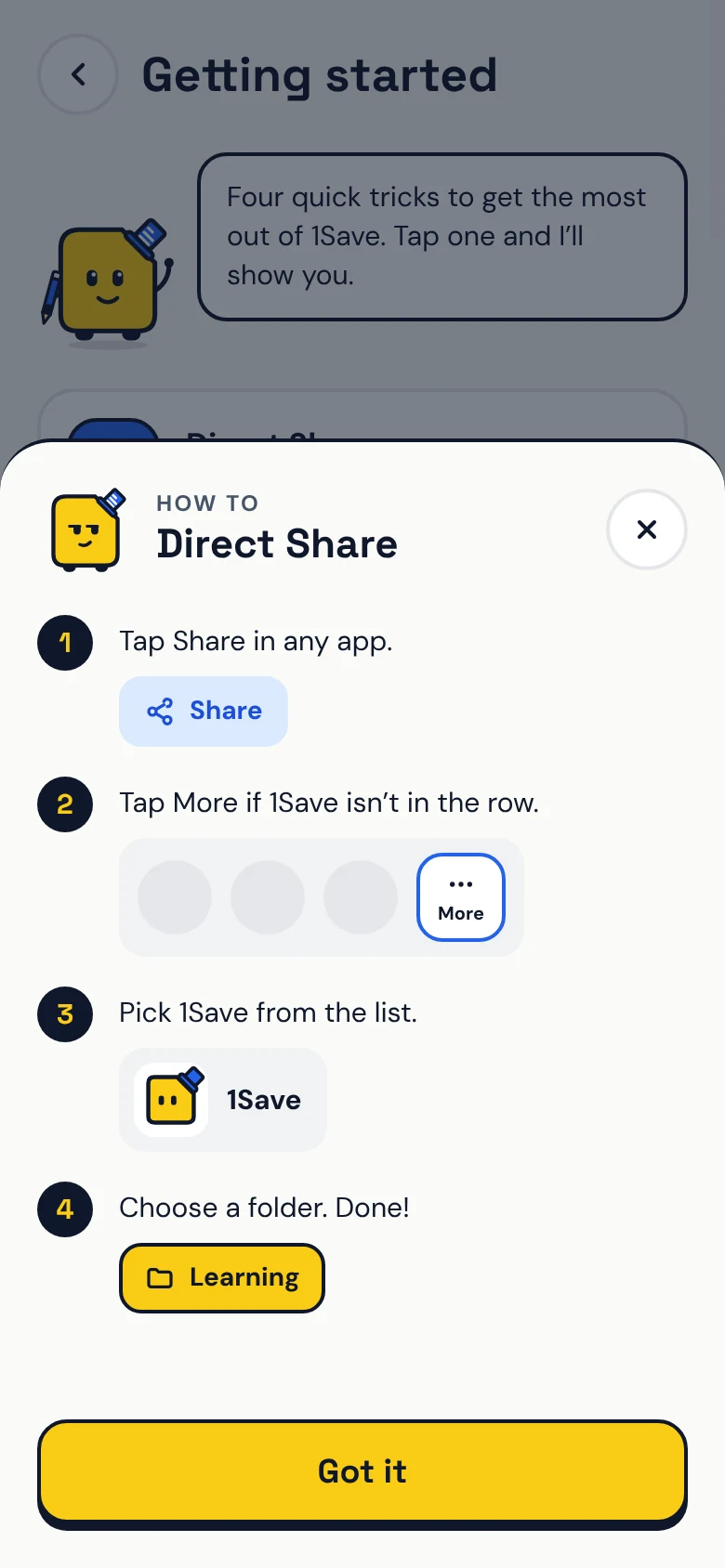
Tap Share
Under any post, video or page, then choose 1Save.
Share from TikTok, YouTube, Instagram or any app. 1Save files it with a preview, keeps your notes, and Savy reminds you when you actually have time.
Works with
TikTokYouTubeInstagramFacebookXAny browserNo copying, no pasting into notes, no screenshots you’ll never find again.
Under any post, video or page, then choose 1Save.
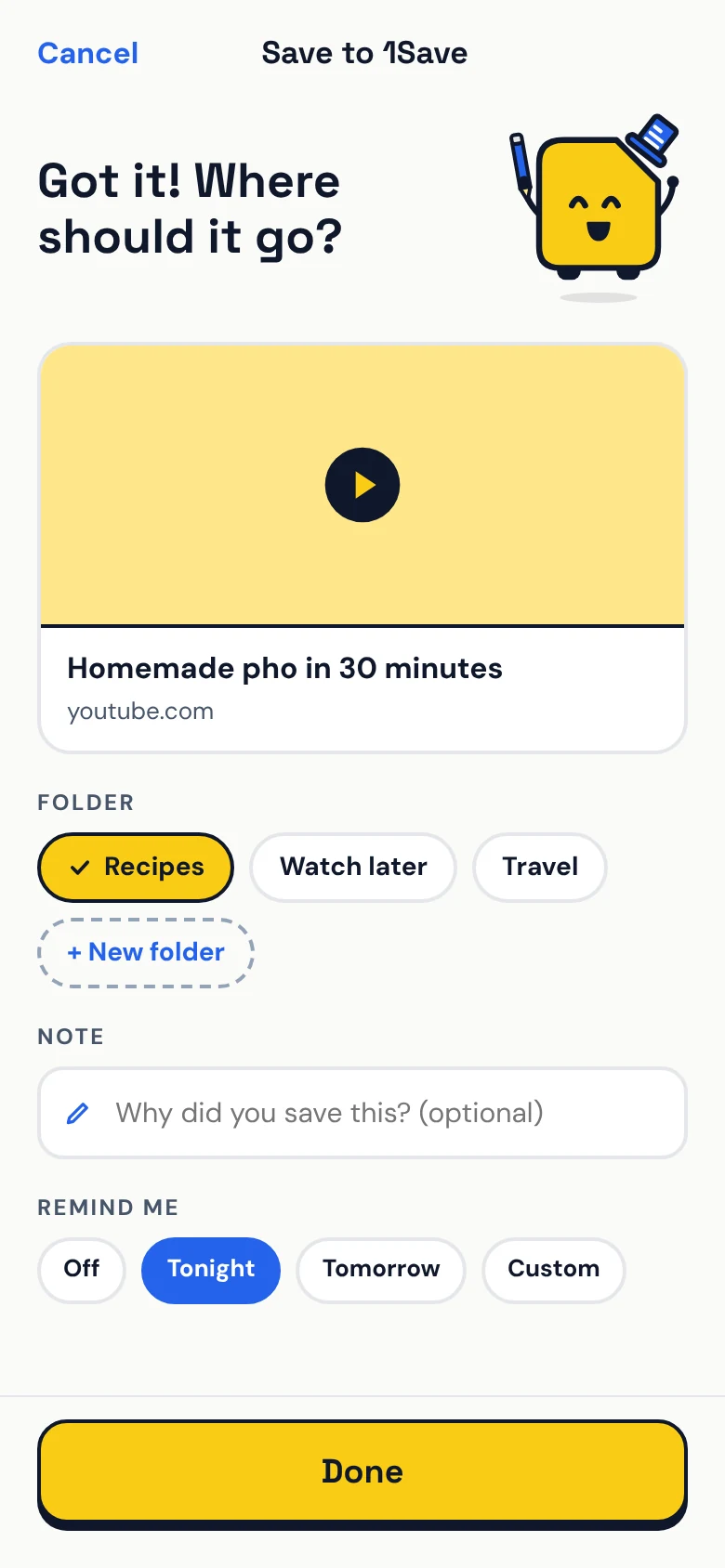
Add a note or a reminder if you like. Tap Done.
Savy reminds you at the right time, right where you left it.
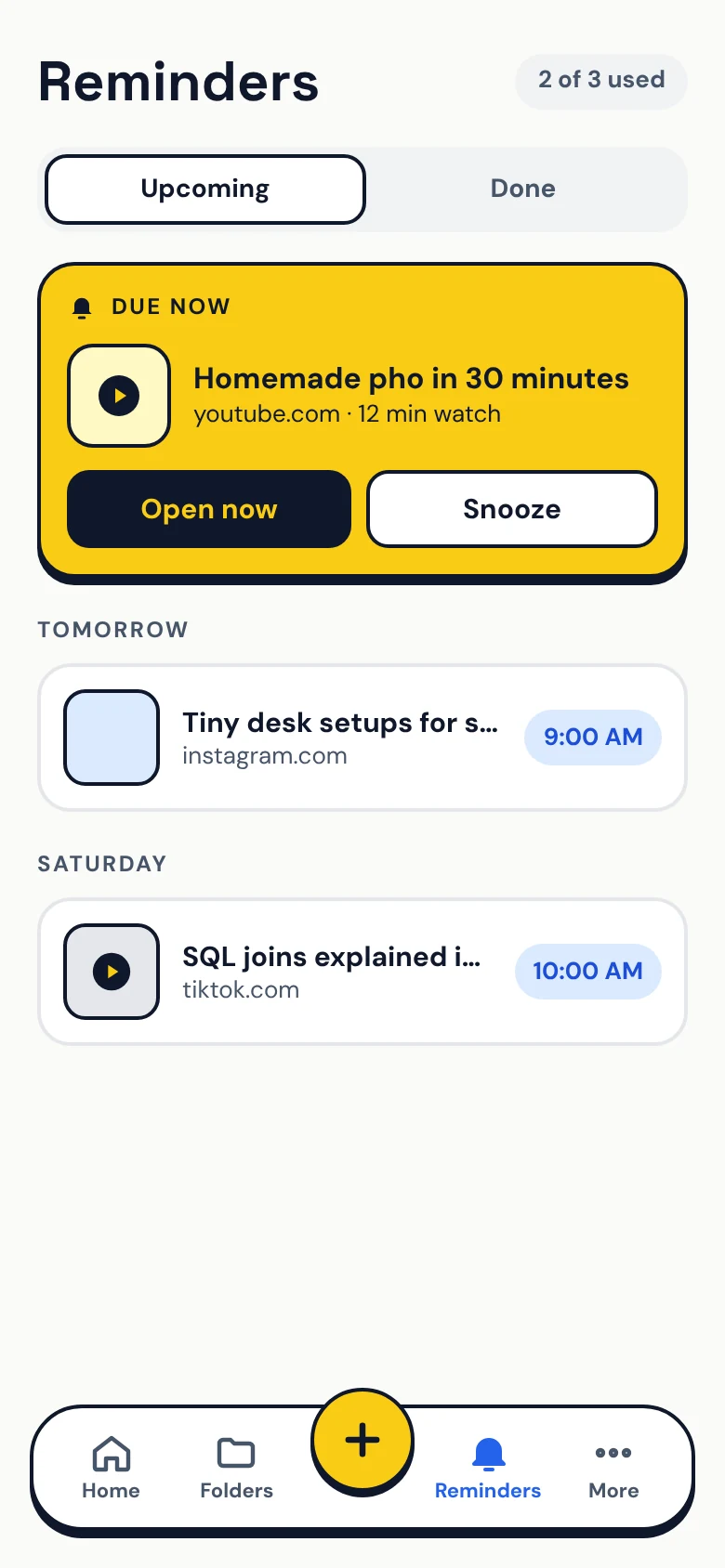
Stop losing good stuff in browser tabs, DMs and the Saved tab of five different apps.
Tap Share in TikTok, YouTube, Instagram, Facebook or your browser, then pick 1Save. That’s it.
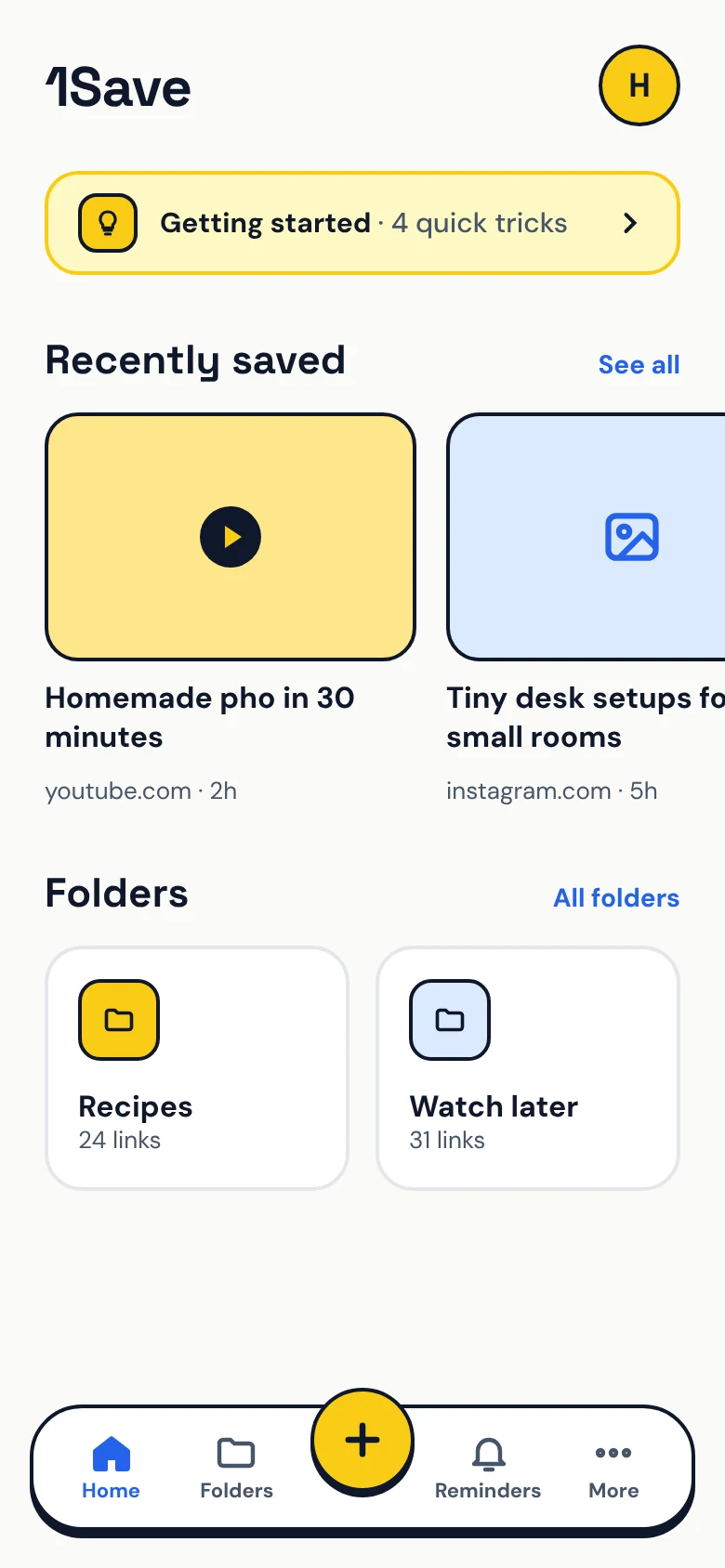
Recipes, Travel, Watch later. Savy suggests a folder and an icon as you save.
Pick Tonight, Tomorrow or a custom time. Savy nudges you, never nags.
Add why you saved it, so future you remembers what was so good about it.
Copied a link? Open 1Save and save it from the pop-up in one tap.
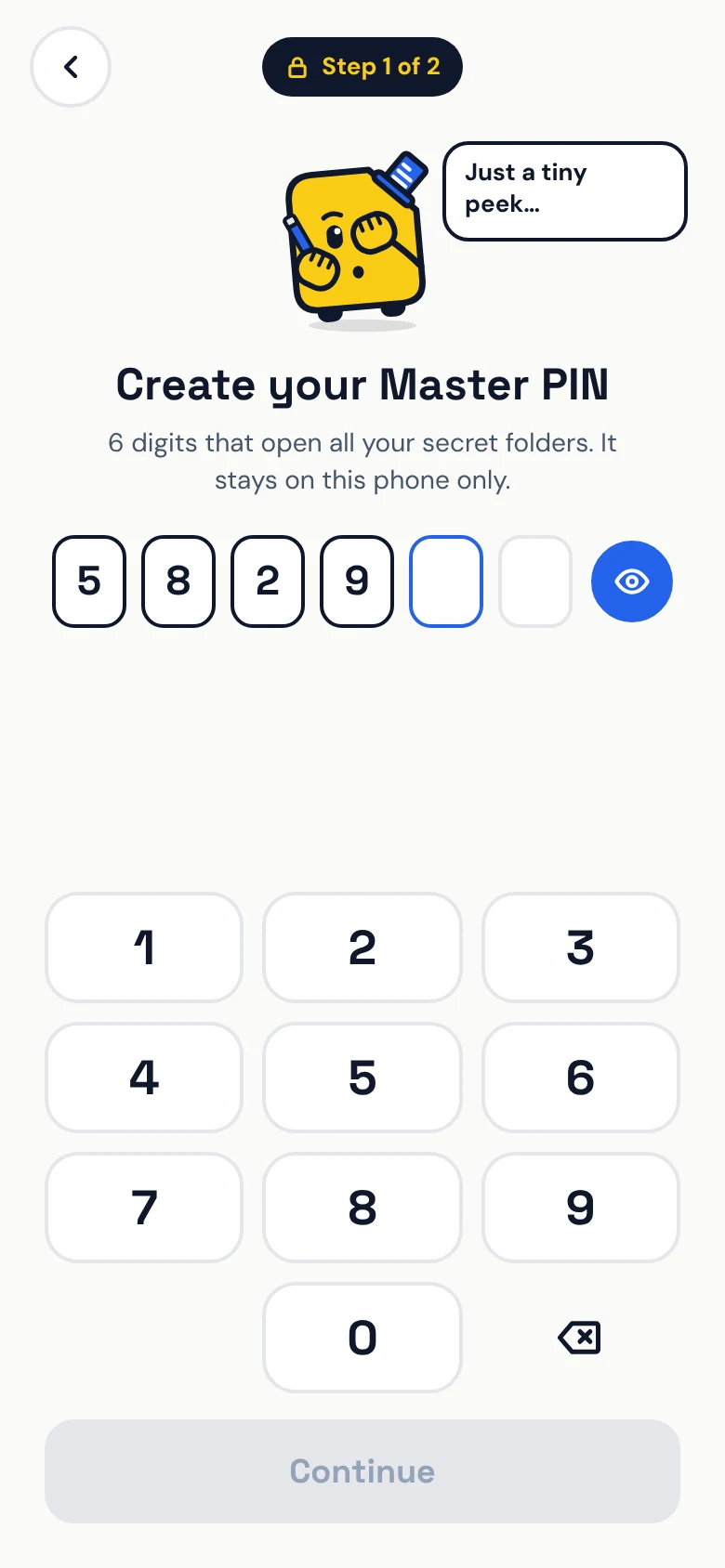
Lock private links behind your Master PIN. They stay on this phone and never sync.
Gift ideas, money plans, that surprise trip. Lock them away and Savy covers his eyes while you type your PIN.
Everything you need to start saving.

For people with a lot of treasure.
Prices are shown in the app.
Yes. You can save links, images and notes, make folders, set reminders and lock a secret folder for free. Premium adds unlimited links and folders, hidden secret folders and cloud backup and sync.
Any app with a Share button: TikTok, YouTube, Instagram, Facebook, X, Chrome and more. You can also copy a link and open 1Save, or paste it in yourself.
1Save is local-first: your links live on your phone. Premium users can back up and sync to the cloud with their Google account. Secret folders always stay on your device.
Not yet. 1Save is available on Android through Google Play.
Use the account deletion form and we’ll remove your account and its data. Questions? Email support@1save.app.